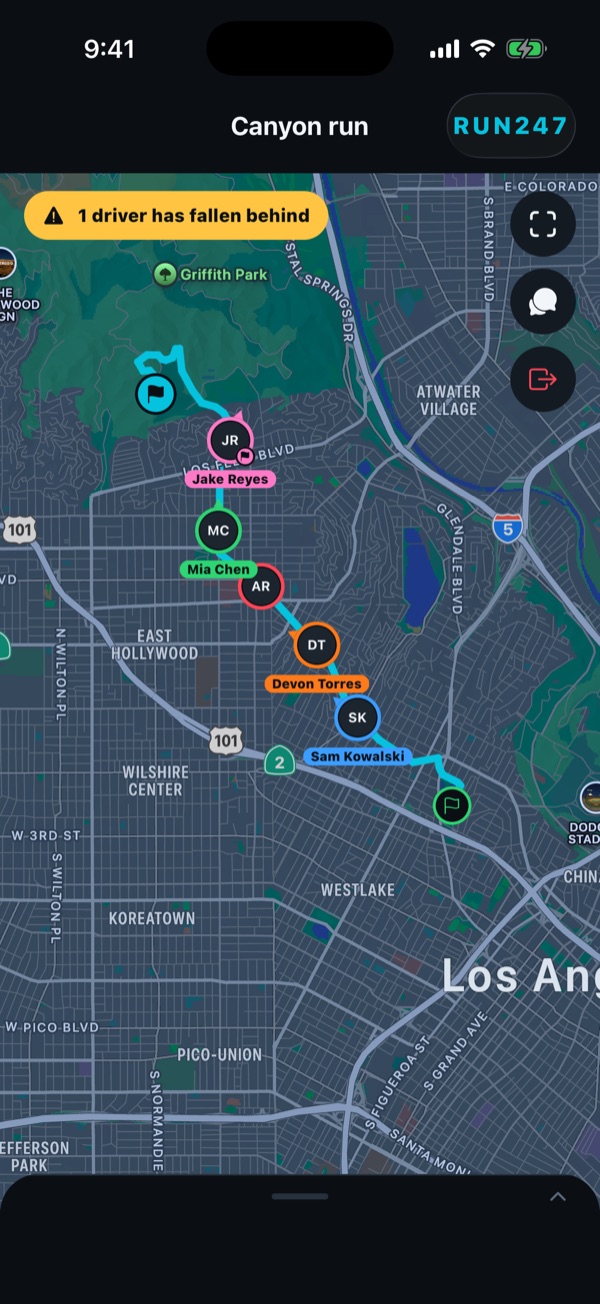
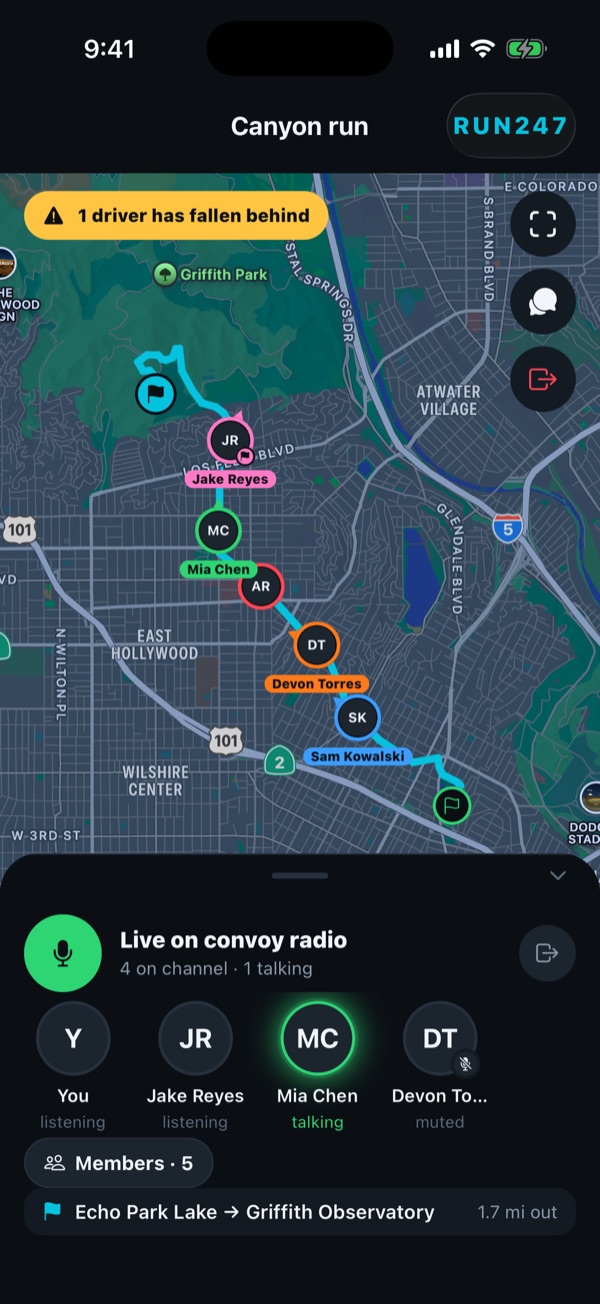
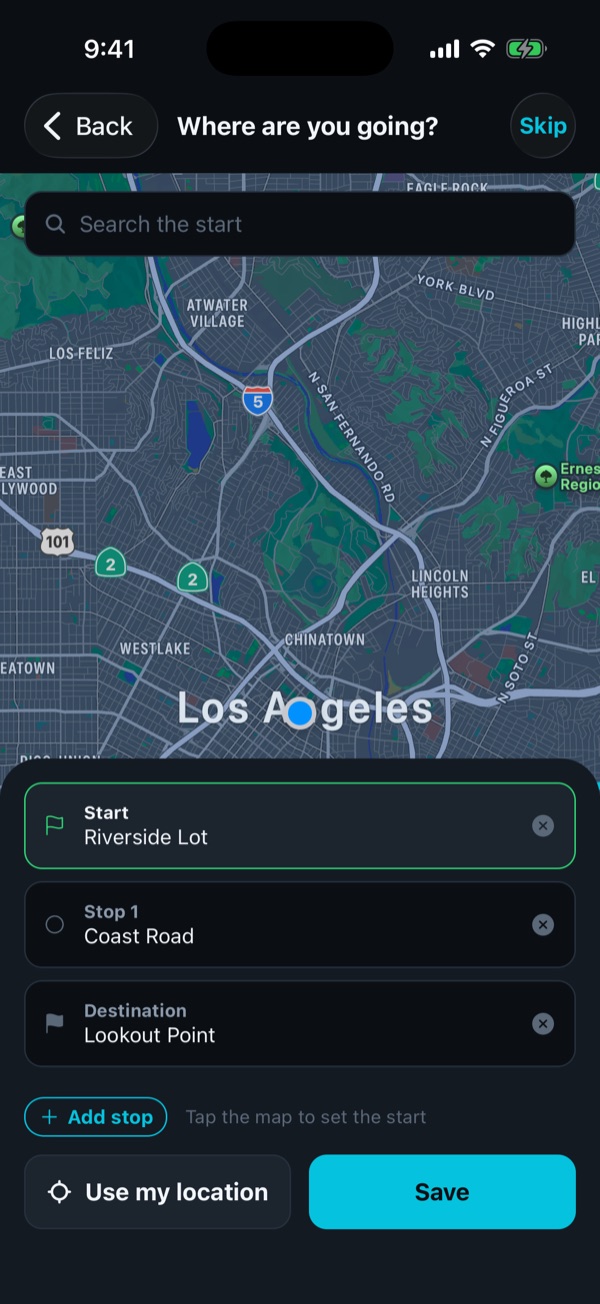
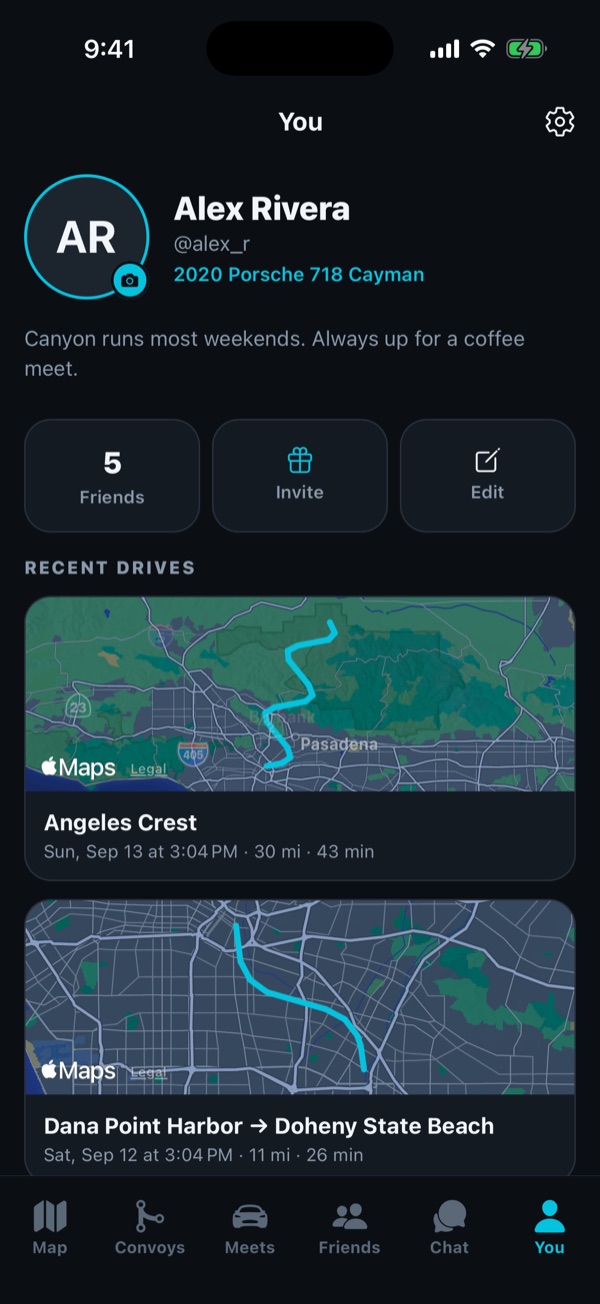
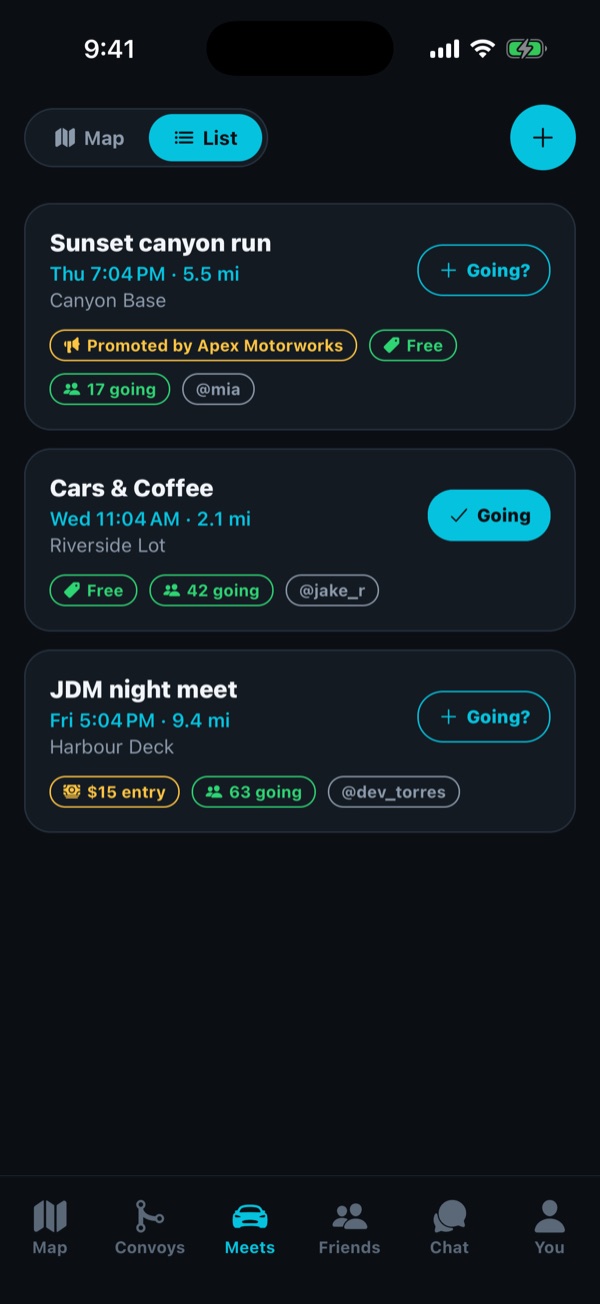
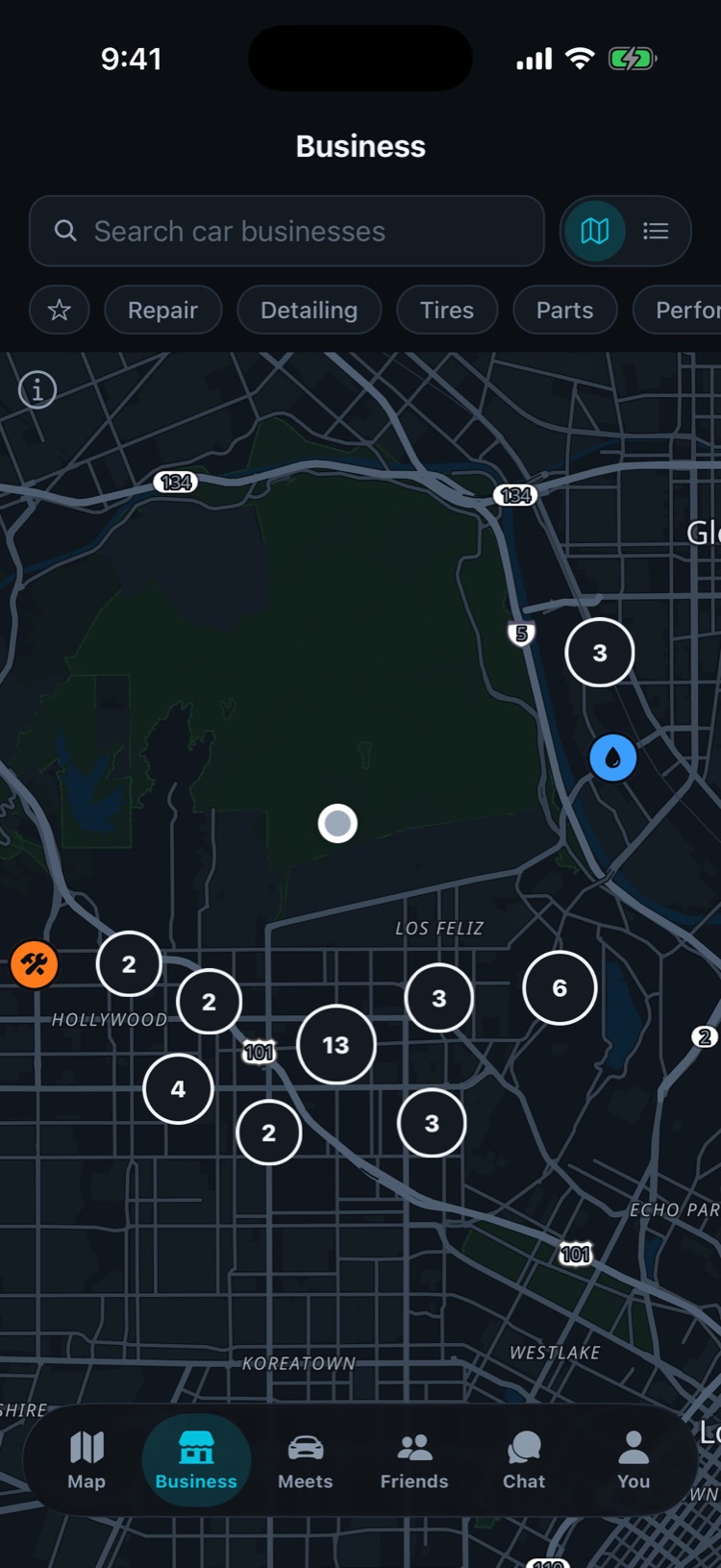
The beta
Get on the beta
Two fields and you are on the TestFlight list. Run a shop? Use the other tab and we will show you it from your side.
Questions
What does it cost?
The map, convoys, chat, drives and meets are free. Convoy Voice Basic is $2.99 for 300 monthly participant minutes, Standard is $4.99 for 1,200, and Premium is $6.99 for 3,000. Standard and Premium can be paid yearly instead, at $49.99 and $73.99, which saves $9.89 either way; Basic is monthly only. Basic and Standard stop at their cap. Premium can add a user-approved $1.99 pack of 600 minutes. Included minutes reset each month and do not roll over; pack minutes last until you use them. Nothing charges automatically beyond the subscription you chose. Invite five friends who sign up and join a convoy and you get half off Premium for three months.
Who can see where I am?
Only people in a live convoy with you, and nobody outside one. Live positions are deleted after 24 hours. Saved drives are visible only to you. The detail is in the Privacy Policy.
Is this a navigation app?
It gives directions to your convoy, a meet or anywhere you choose, but it is not a substitute for watching the road. Set the route before you move, mount your phone, and follow the signs in front of you.
Does it work with CarPlay?
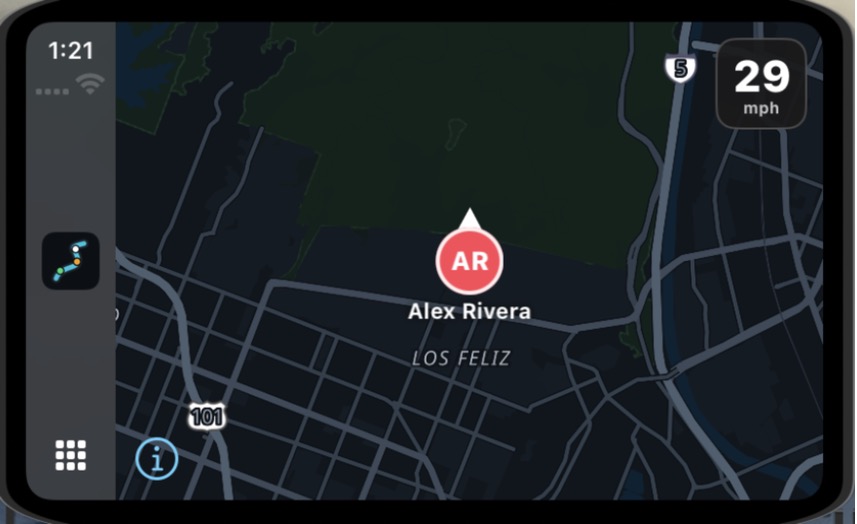
Yes. On an iPhone in a CarPlay car, the car screen shows your convoy’s route and the other drivers on the map, your speed and the posted limit, and buttons for gas stations and hazard reports. It is part of the beta, so tell us how it behaves in your car.
Where does the map come from?
Paddock draws its own map from OpenStreetMap, in dark, light or night. If the map servers cannot be reached, the app quietly falls back to Apple Maps until they answer again.
Android?
Not yet. iPhone first, properly.
How do I delete my account?
In the app: You → Settings → Delete account. Everything goes, immediately. Locked out? Email support@getpaddockapp.com.